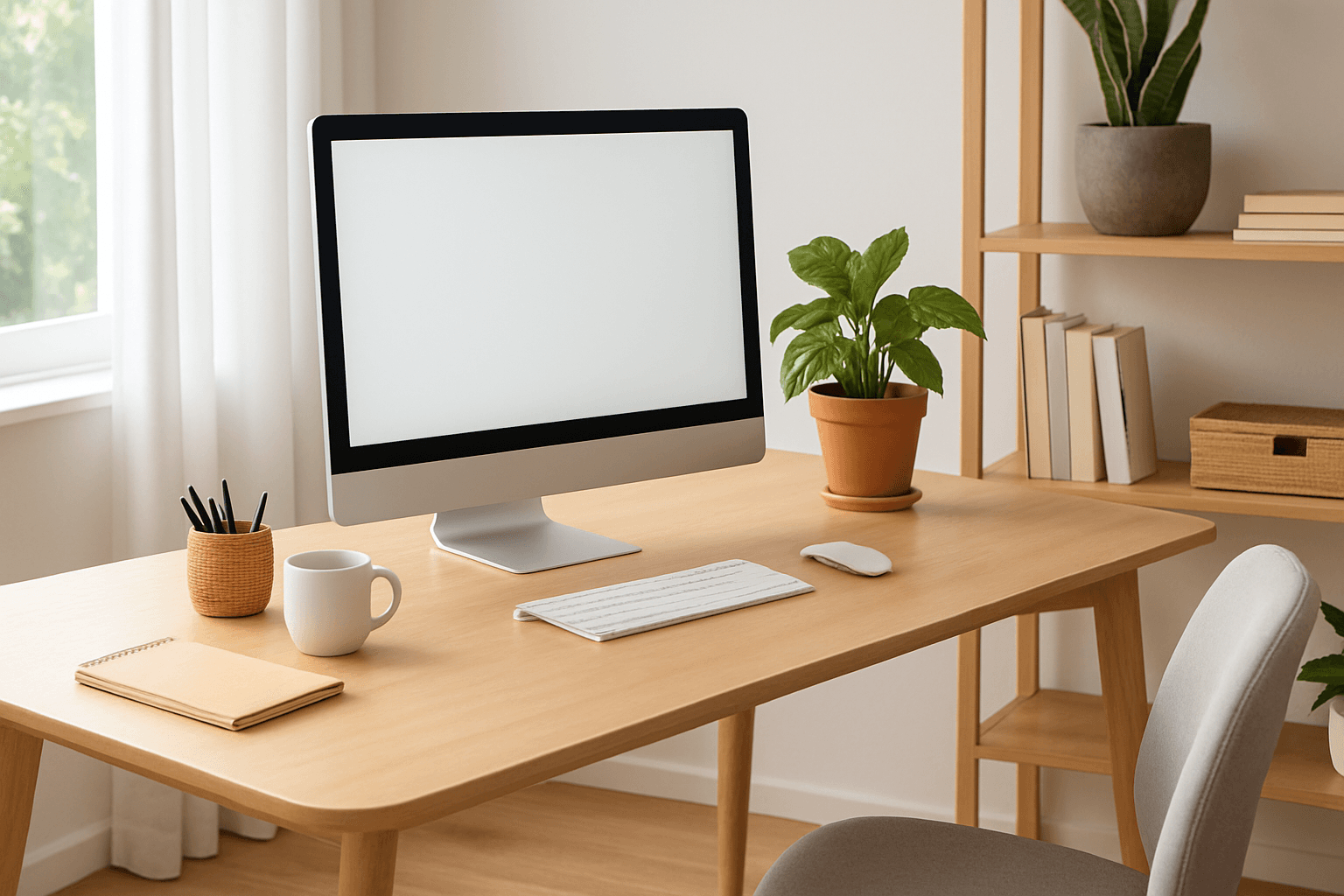
Creating Your Perfect Home Office: Interior Design Tips to Boost Productivity and Well-Being
The shift toward remote work has fundamentally transformed how we think about our living spaces. According to a 2024 Gallup survey, 35% of full-time employees in the United States work remotely, either entirely or in a hybrid arrangement. With professionals spending an average of 8-10 hours daily in their home offices, the design and organization of this workspace has become critical to both productivity and mental health. This comprehensive guide will help you create a home office environment that not only enhances your work efficiency but also supports your overall well-being.
The Science Behind Workspace Design and Productivity
Recent research from the American Psychological Association (APA) demonstrates that environmental factors account for approximately 25% of variation in worker productivity. A well-designed home office can reduce stress levels by up to 30% and increase focus time by 40%, according to studies published in the Journal of Environmental Psychology.
The key lies in understanding that your physical environment directly impacts your mental state, energy levels, and work output. When your home office aligns with ergonomic principles and incorporates elements that promote well-being, you create an optimal space for sustained concentration and creativity.
Essential Ergonomics: The Foundation of Comfort
Before considering aesthetics, proper ergonomics must be your priority. Poor ergonomic setup can lead to chronic pain conditions affecting 40% of remote workers, according to a 2023 Harvard Business Review study.
Key Ergonomic Investments:
- Desk Height: Your desk should be 28-30 inches (71-76 cm) high, allowing your elbows to rest at a 90-degree angle when your feet are flat on the ground. Budget approximately $200-$500 for a quality adjustable standing desk.
- Chair Selection: Invest in an ergonomic office chair supporting proper lumbar curvature. Expect to spend $300-$1,000 for a chair with adequate support. The National Institute for Occupational Safety and Health (NIOSH) recommends chairs with adjustable seat height, backrest, and armrests.
- Monitor Positioning: Position your monitor 20-26 inches (51-66 cm) away at eye level, with the top of the screen at or slightly below eye height. This prevents neck strain and reduces eye fatigue by up to 20%.
- Keyboard and Mouse: Keep your keyboard and mouse at the same height as your elbows to prevent repetitive strain injuries. Consider an ergonomic keyboard (around $80-$150) if you spend extended periods typing.
- Footrest: If your feet don't touch the ground comfortably, add a footrest ($30-$80) to maintain proper posture and improve circulation.
Making these ergonomic adjustments can reduce musculoskeletal pain by 50% and boost productivity by up to 25%, according to research from Cornell University's Department of Design and Environmental Analysis.
Lighting: Brighten Your Focus and Protect Your Eyes
Lighting is one of the most underestimated factors in home office design. Improper lighting causes digital eye strain in 65% of remote workers, according to the American Academy of Ophthalmology.
Lighting Strategy:
- Natural Light: Position your desk near a window to maximize natural light. Natural light exposure increases alertness and supports your circadian rhythm, improving sleep quality by an average of 1-2 hours nightly.
- Task Lighting: Add a desk lamp (around $40-$150) with adjustable brightness. The ideal brightness level is 300-500 lux for computer work.
- Ambient Lighting: Install overhead lights or floor lamps ($50-$300) to create balanced illumination throughout your workspace. This prevents the strain that comes from having only a bright screen in a dark room.
- Blue Light Management: Use warm-toned LED bulbs (2700K color temperature) in the afternoon and evening to minimize sleep disruption. Consider blue light-blocking glasses ($30-$100) if you work late hours.
Optimal lighting can increase work accuracy by 20% and reduce headaches by approximately 30%, according to lighting research from the Lighting Research Center at Rensselaer Polytechnic Institute.
Color Psychology and Aesthetic Design
The colors you choose for your home office directly influence your mood, stress levels, and cognitive performance. Research from the University of British Columbia reveals that color psychology can enhance creative thinking by 15% and problem-solving ability by 20%.
Color Recommendations for Different Work Types:
- Blue: Ideal for analytical work and concentration. Blue promotes calm and trust, making it perfect for jobs requiring focus and decision-making. Studies show blue environments increase productivity in detail-oriented tasks by up to 30%.
- Green: Reduces eye strain and promotes creativity. Green is associated with growth and balance, making it excellent for long working hours. Incorporating 15-20% greenery in your workspace can boost mood and reduce stress by 37%.
- Neutral Tones: Whites, grays, and warm beiges create a professional backdrop without overstimulation. They're versatile and allow accent colors to stand out.
- Warm Colors (Sparingly): Small amounts of orange or yellow can energize and improve mood but can be distracting if overused. Limit accent colors to 10-15% of your space.
Paint your walls with high-quality paint ($30-$60 per gallon) in colors that align with your work focus. If you're renting, consider removable wall coverings or simply invest in artwork and furniture in your chosen color palette.
Air Quality and Temperature Control
The World Health Organization (WHO) emphasizes that indoor air quality directly impacts cognitive function. Poor ventilation can reduce decision-making ability by up to 50% and increase fatigue by 30%.
Creating an Optimal Environment:
- Ventilation: Keep your office well-ventilated by opening windows 15-30 minutes daily or using an air purifier. HEPA filter air purifiers ($100-$400) remove 99.97% of particles, improving air quality significantly.
- Indoor Plants: Add 4-6 plants per 100 square feet to naturally improve air quality and boost mood. Plants like pothos, snake plants, and spider plants are low-maintenance and highly effective. Research shows that plants reduce stress by 37% and increase productivity by 15%.
- Temperature: Maintain a workspace temperature between 69-72°F (20-22°C). Studies show this range optimizes both comfort and performance, with productivity dropping 2% for every degree above or below this range.
- Humidity: Keep humidity levels between 40-60% to prevent respiratory issues and dry skin. A humidifier ($30-$150) or dehumidifier maintains optimal levels.
Organization and Storage Solutions
Clutter directly impacts cognitive load and stress levels. A study from Princeton University's Neuroscience Institute found that visual clutter competes for attention resources, reducing productivity by up to 40%. A well-organized space can increase focus time by 23% and reduce decision fatigue.
Smart Organization Strategies:
- Vertical Storage: Use wall shelves ($50-$200) to maximize space without creating a cluttered feel. This keeps frequently used items accessible while maintaining a clean workspace.
- Desk Organization: Invest in desk organizers, file holders, and drawer dividers ($20-$80 total) to maintain a clear work surface. Studies show a clear desk increases focus by 32%.
- Cable Management: Use cable management boxes and clips ($15-$50) to prevent visual chaos and tripping hazards. Cable clutter can increase perceived stress by 20%.
- Digital Organization: Implement a consistent file system and digital storage structure. Time management research shows that organized digital spaces reduce search time by 45 minutes per week.
Personal Touches and Motivation Elements
While functionality is paramount, personalizing your space with meaningful elements boosts motivation and job satisfaction. Employees with personalized workspaces report 32% higher engagement levels, according to research from Steelcase.
Personalization Ideas:
- Vision Board or Inspiration Wall: Create a dedicated space ($0-$50) featuring your goals, inspiring quotes, or images that motivate you. This visual reminder keeps you aligned with your objectives.
- Artwork and Photographs: Display meaningful artwork ($20-$200+) or family photos. Looking at images of loved ones increases motivation and reduces stress during challenging work.
- Motivational Accessories: Include a desk plant ($10-$30), inspiring desk calendar, or meaningful figurine to create an environment that feels uniquely yours.
- Sound Environment: Consider a small water fountain ($30-$100) or white noise machine to create an ambient soundscape that masks distracting background noise and promotes focus.
Technology and Connectivity Setup
In our connected world, a reliable technology setup is essential. Poor technology infrastructure increases work-related frustration by 35% and reduces productivity by 20%, according to a 2023 Owl Labs study.
Technology Essentials:
- High-Speed Internet: Ensure your broadband supports your work requirements. Minimum recommended speeds are 25 Mbps download and 5 Mbps upload for video conferencing.
- Secondary Monitor: A 24-27 inch secondary monitor ($150-$400) increases productivity by 42%, according to research from the University of Utah.
- Noise-Cancelling Headphones: Invest $100-$350 in quality headphones to minimize distractions during video calls and focused work.
- Backup Power: An uninterruptible power supply (UPS) system ($50-$200) protects your equipment and prevents data loss during power fluctuations.
Budget Planning for Your Home Office Transformation
Creating an optimal home office doesn't require unlimited funds. Here's a realistic budget breakdown:
- Essential Setup (Budget-Friendly): $800-$1,200 including basic desk ($150-$300), ergonomic chair ($300-$400), lighting ($150-$200), and accessories ($200-$300)
- Mid-Range Setup: $2,000-$3,500 including adjustable standing desk ($400-$700), premium ergonomic chair ($600-$900), professional lighting ($300-$500), storage solutions ($300-$400), and technology upgrades ($400-$600)
- Premium Setup: $5,000+ including high-end furniture, multiple monitors, professional lighting systems, advanced air quality solutions, and comprehensive technology infrastructure
Start with essentials (ergonomics and lighting) and gradually add aesthetic improvements as your budget allows. The most important investment is in your health and comfort.
Summary
Creating an effective home office requires a balanced approach combining ergonomic fundamentals, proper lighting, thoughtful color psychology, and personal touches. Research consistently demonstrates that a well-designed workspace increases productivity by 20-40%, reduces stress by 30-37%, and improves overall well-being. Start by prioritizing ergonomic investments in your desk and chair setup, as these directly impact your physical health and comfort. Next, address lighting to reduce eye strain and support your circadian rhythm. Then incorporate color psychology and organizational systems that keep your space functional and mentally clear. Finally, add personal elements that make your space feel uniquely yours and keep you motivated. Whether you're working with a modest budget of $800 or investing $5,000+, the key is making intentional choices that support both productivity and well-being. Your home office is more than just a workspace—it's an investment in your professional success and personal health.
Frequently Asked Questions
How much should I spend on an ergonomic office chair?
For optimal support and durability, invest between $300-$1,000 in a quality ergonomic chair. Budget office chairs under $200 typically lack proper lumbar support and adjustability, while chairs in the $300-$700 range offer excellent value with essential ergonomic features. Premium chairs ($800-$1,000+) provide advanced adjustments and longer warranties. Remember that chair quality directly impacts your health and productivity, making it one of the most worthwhile investments for your home office.
What is the best color for a home office?
The best color depends on your work type. Blue is ideal for concentration and analytical tasks, increasing productivity in detail-oriented work by up to 30%. Green promotes creativity and reduces eye strain, making it excellent for long working hours. Neutral tones (whites, grays, and warm beiges) create a professional backdrop without overstimulation. Most productivity experts recommend using a neutral base color with accent colors comprising only 10-15% of your space to avoid distraction while maintaining visual interest.
How can I improve my home office air quality?
Improve air quality through multiple strategies: open windows 15-30 minutes daily for natural ventilation, use a HEPA filter air purifier ($100-$400) to remove particles and allergens, add 4-6 indoor plants per 100 square feet, and maintain humidity levels between 40-60% with a humidifier. These measures can improve cognitive function by up to 50% according to WHO research. Plants are particularly effective, naturally filtering air while reducing stress by 37% and boosting mood.
Should I use a standing or sitting desk?
Research from NIOSH recommends alternating between sitting and standing throughout the day rather than using either exclusively. An adjustable standing desk ($400-$700) allows you to vary your position, reducing musculoskeletal strain by 40% compared to sitting all day. Ideally, alternate between 30-40 minutes of sitting and 20-30 minutes of standing. This variation improves circulation, reduces fatigue, and can increase productivity by up to 25% compared to static positions.
What technology accessories are most important for productivity?
A secondary monitor ($150-$400) provides the highest productivity boost, increasing efficiency by 42% according to university research. Noise-cancelling headphones ($100-$350) minimize distractions during calls and focused work. A reliable internet connection (minimum 25 Mbps download/5 Mbps upload) is essential for video conferencing. Finally, an uninterruptible power supply (UPS) system ($50-$200) protects against unexpected power loss. Prioritize these investments in order based on your specific work requirements and current pain points.