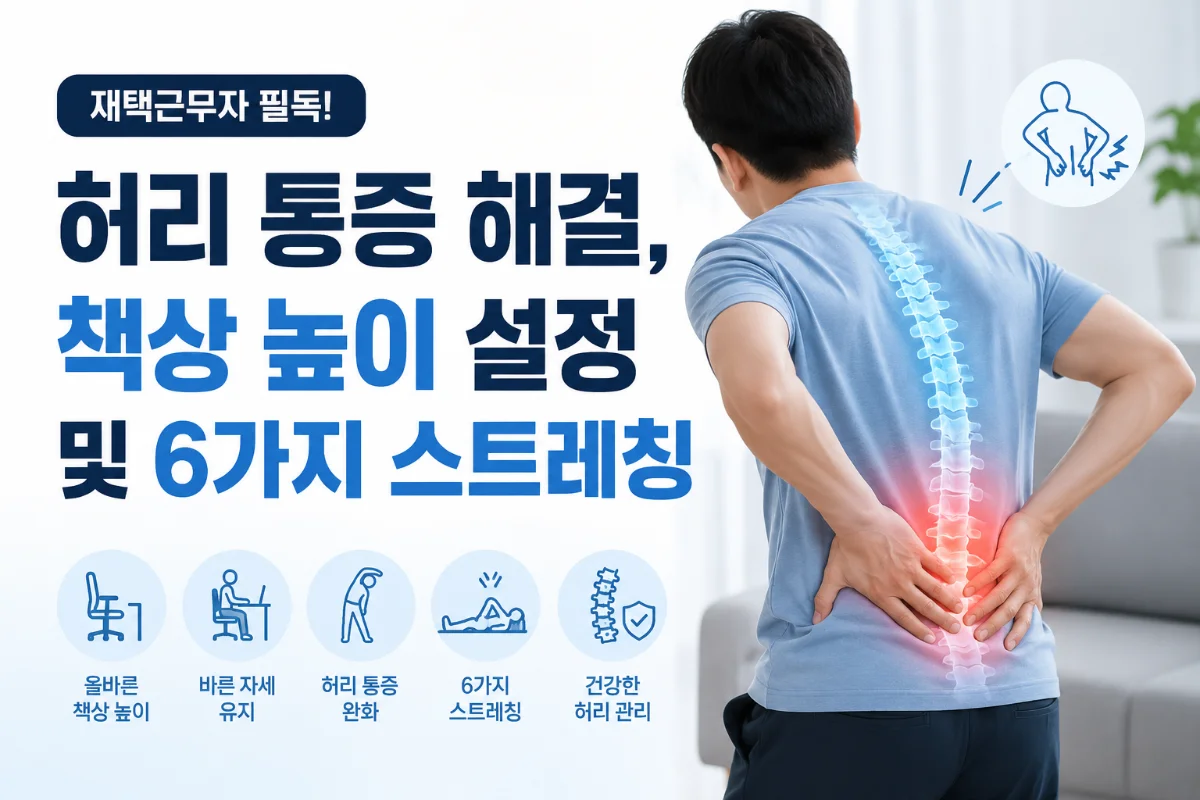
In the Era of Remote Work, Back Pain Becomes an Occupational Disease
According to a 2023 survey by the Korean Statistical Office, the number of remote workers in South Korea has increased by 18% from the previous year, reaching approximately 3.2 million. As working from home has become the norm, unexpected issues are arising. The most notable of these is back pain. The 2023 statistics from the National Health Insurance Service indicate that the number of remote workers receiving treatment for back pain has increased by 32% compared to the previous year.
In an office setting, one would typically use ergonomically designed desks and chairs. However, at home, most people work with their laptops on beds or sofas. This places extreme stress on the spine, particularly in the cervical (neck) and lumbar (lower back) regions.
Key Fact: Working for more than 8 hours a day in an improper posture exerts about 100 kg of pressure on the spine, which is more than three times that of a correct posture.
Setting Desk Height: What is the Golden Ratio?
The most fundamental cause of back pain in remote work is inappropriate desk height. Many people overlook this, but the height of the desk is a critical factor that affects spinal health.
Correct Desk Height Calculation Formula
Ergonomics experts recommend the following desk heights:
- Basic Formula: Desk Height = (Height × 0.3) - 2.5cm
- Example: For a person who is 170cm tall, (170 × 0.3) - 2.5 = approximately 48cm
- The standard desk height is generally 70-75cm, making it too high for most Koreans.
According to a 2023 survey by the Korean Furniture Industry Association, the average height of Korean adults is 162cm for women and 174cm for men. Based on this, the calculations are as follows:
- Women: Approximately 46cm (about 24-29cm higher than standard desks)
- Men: Approximately 50cm (about 20-25cm higher than standard desks)
How to Set Up Properly
When the correct desk height is set, the following physical conditions should be maintained:
- Elbows should maintain a 90-degree angle
- Wrists should be in a straight line (not bent or twisted)
- The top of the monitor screen should be 15-20 degrees below eye level
- The distance from the monitor should be maintained at 50-70cm
If the standard desk is too high, it is recommended to use a footrest (approximately 10,000-30,000 won) or to replace it with a height-adjustable desk (approximately 300,000-600,000 won). Recently, electric height-adjustable desks have gained popularity, allowing for alternating between sitting and standing positions, which is very beneficial for back health.
Choosing a Chair: Proper Posture for Back Support
Just as important as the desk is the chair. In fact, many remote workers use dining chairs or old office chairs, which can severely harm the spine.
Criteria for a Good Chair
- Lumbar Support: The chair's backrest should naturally support the lumbar curve
- Height Adjustment: Feet should rest flat on the floor, and knees should maintain a 90-degree angle
- Armrests: There should be armrests at a natural height when arms are at 90 degrees
- Cushion Firmness: Should be medium firmness, not too soft or too hard
- Mobility: Casters should move smoothly
The Korean Ergonomics Society recommends that office chairs meet the following standards:
International Standards (ISO 9211-1): Chair depth 40-43cm, height 38-48cm, backrest height 55-65cm
If back pain is severe, purchasing a lumbar cushion (approximately 20,000-50,000 won) to place between the backrest and lower back can also be effective.
Preventing Pain with 6 Essential Stretches
No matter how good the desk and chair are, maintaining the same posture for long periods can lead to muscle stiffness. Regular stretching is essential. Repeating the following 6 stretches at least 3 times a day can significantly reduce back pain.
1. Cat-Cow Stretch
How to do it:
- Get on the floor on your hands and knees
- Slowly lower your back while opening your chest (Cow Pose)
- Then arch your back upwards and lower it again (Cat Pose)
- Repeat 10 times for 1 set
Effect: Increases spinal flexibility and relieves stress in the lumbar and thoracic regions.
2. Seated Spinal Twist
How to do it:
- Sit in a chair and place one leg over the opposite knee
- Slowly twist your body towards the knee of the raised leg
- Hold for 20 seconds, repeat on both sides (3 times)
Effect: Relaxes the muscles and ligaments around the lumbar region and promotes blood circulation.
3. Knee to Chest
How to do it:
- Sit in a chair and pull one knee towards your chest
- Wrap both hands around the knee and press it against your chest
- Hold for 20 seconds, repeat on both sides (3 times)
Effect: Stretches the lumbar muscles and relieves tension in the pelvic area.
4. Neck Stretch
How to do it:
- Sit in a chair and wrap your right hand around the left side of your head
- Slowly tilt your head to the right
- Hold for 20 seconds, repeat on both sides (2 times)
Effect: Relieves stiffness in the cervical region and trapezius muscles, improving symptoms of forward head posture.
5. Forward Fold
How to do it:
- Sit in a chair with your feet shoulder-width apart
- Slowly bend your upper body forward
- Reach for your feet without straining
- Hold for 30 seconds (2 times)
Effect: Increases overall spinal flexibility and relaxes the posterior chain muscles.
6. Piriformis Stretch
How to do it:
- Sit in a chair and place one ankle over the opposite knee
- Keep your back straight and slowly lean your upper body forward
- Hold for 30 seconds, repeat on both sides (2 times)
Effect: Relieves tension in the piriformis muscle and is effective in preventing sciatica.
Expert Advice: The Korean Society of Spine Surgery recommends that remote workers stretch for 5 minutes every hour. This can reduce the incidence of back pain by about 40%.
Improving Lifestyle Habits: Prevention is the Best Treatment
Stretching alone is not enough. Everyday lifestyle habits must also be improved.
Setting Up the Work Environment
- Monitor Placement: Position the monitor directly at eye level to reduce cervical strain
- Keyboard and Mouse: Arrange them so that the wrists maintain a straight line
- Lighting: Minimize screen glare to reduce eye fatigue
- Ventilation: Open a window for fresh air for 5 minutes every 1-2 hours
Activity During Work
- Posture Changes: Alternate between sitting and standing positions
- Walking: Walk for at least 10 minutes during lunch breaks
- Hydration: Drink more than 2 liters of water daily
- Rest: Whenever possible, take your eyes off the screen every 30 minutes (20-20-20 rule: every 20 minutes, look at something 20 feet away for 20 seconds)
Managing Nighttime
- Sleep: Get sufficient sleep of 7-8 hours a day
- Pillow Selection: Use a pillow that supports the cervical spine, about 10-12cm high
- Mattress: A mattress with moderate firmness is better than a hard one
- Stretching Before Bed: Perform light stretching 30 minutes before sleeping
What to Do When Pain is Severe
If pain persists despite stretching and posture improvement, professional help is needed.
Methods to Try First
- Heating Pad: Apply for 20-30 minutes, 2-3 times a day (approximately 10,000-30,000 won)
- Cold Compress: For acute pain, apply a cold compress for the first 48 hours (approximately 5,000-15,000 won)
- Over-the-Counter Pain Relief Patches: Use patches containing muscle relaxant ingredients (approximately 3,000-8,000 won)
- Lumbar Support Brace: Wear a lumbar support brace for stability (approximately 30,000-80,000 won)
Visiting a Medical Institution
If pain persists for more than 2 weeks, you should consult a specialist in orthopedics or spine surgery. The coverage of the National Health Insurance includes the following:
- Initial Diagnosis: X-ray or basic examination (personal cost approximately 5,000-15,000 won)
- MRI Examination: Covered by insurance at the doctor's discretion (personal cost approximately 100,000-200,000 won)
- Physical Therapy: Approximately 10,000-15,000 won per session (up to 20 sessions covered by insurance)
- Injection Therapy: Nerve block injections, etc. (personal cost approximately 50,000-150,000 won)
Recommended Products and Where to Buy
Practical products for remote work include:
- Height-Adjustable Desk: Available for purchase on Coupang, Gmarket, etc. (approximately 300,000-700,000 won)
- Ergonomic Chair: Famous brands range from approximately 400,000-1,500,000 won
- Monitor Arm: For adjusting monitor angles (approximately 50,000-150,000 won)
- Keyboard and Mouse: Ergonomically designed products (approximately 80,000-200,000 won)
- Lumbar Cushion: Made of memory foam (approximately 30,000-60,000 won)
- Footrest: For reducing leg swelling (approximately 15,000-40,000 won)
Conclusion: Managing Back Pain in the Era of Remote Work
In an era where remote work has become the new standard, maintaining spinal health is not optional but essential. Back pain is more than just a discomfort; it can reduce work efficiency and, in the long run, lead to serious health issues.
5 Actions You Can Start Today:
- Measure and adjust the height of your current desk and chair
- Practice 5 minutes of stretching every morning, noon, and evening
- Change your posture or stretch every hour
- Adjust the monitor placement to eye level
- If pain persists for more than 2 weeks, consult a specialist
With the average life expectancy of Koreans exceeding 83 years, maintaining a healthy spine is a crucial factor in determining quality of life. Especially for remote workers, it is important to meticulously check their work environment and lifestyle habits.
Create a comfortable remote work environment free from back pain, and start now. Small attention and actions can lead to a healthier tomorrow.